Mail Add-in
The add-in puts a Lime CRM button in Outlook. Open an email, click the button, and save it — with attachments, formatting and inline images — as a record in Lime CRM, without leaving the inbox.
This documentation describes everything specific to the add-in. For general questions about add-ons, see the Add-on FAQ.
Open beta
The add-in works and is in production use, but it is not yet battle-proven. Expect the occasional rough edge, and make sure the customer is comfortable with that before rolling it out. Found something? Let your Lime contact know.
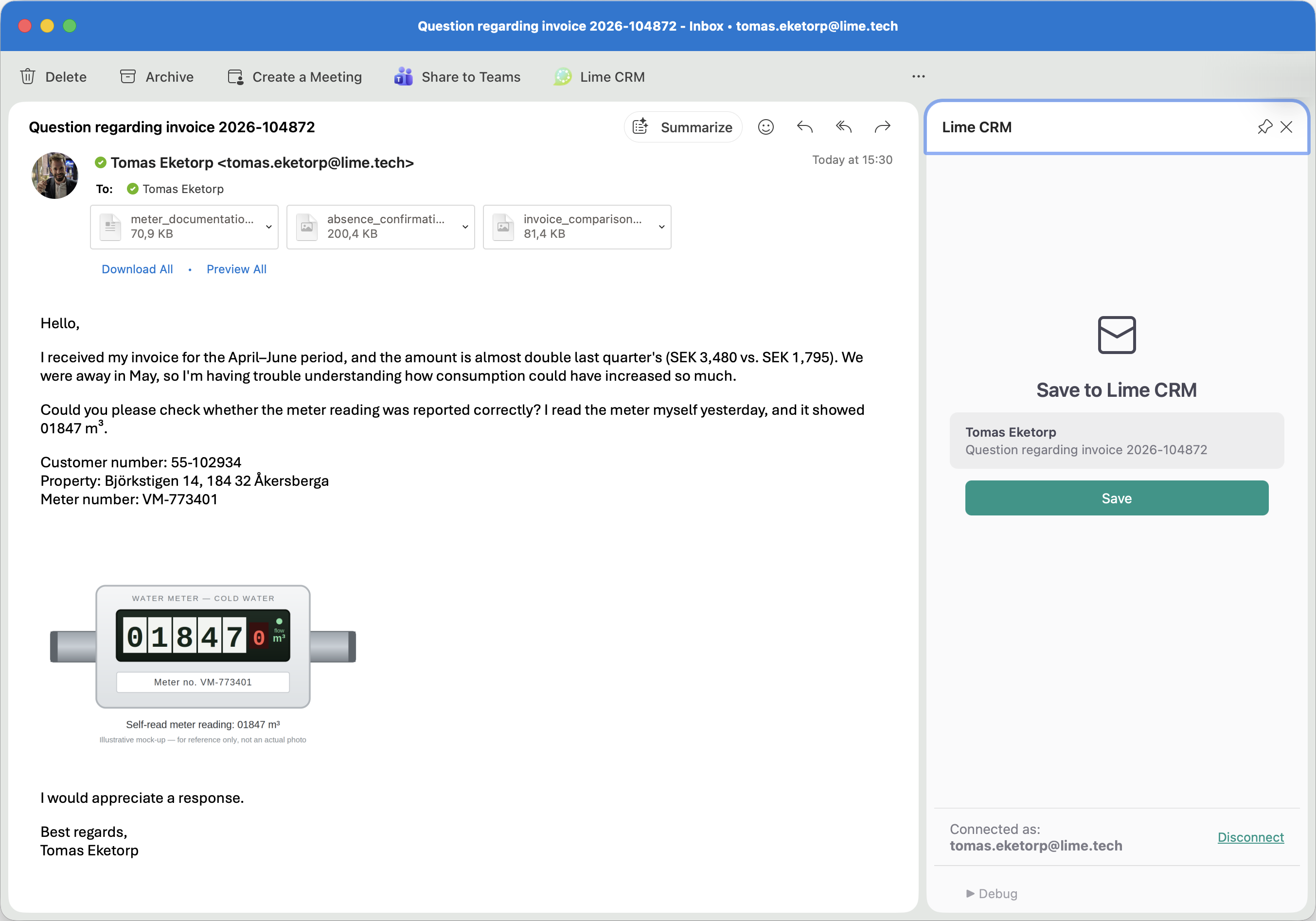
The form users see when they save an email is the Lime CRM web client — the same create dialog they would get inside CRM, opened from Outlook. It supports the same limetypes, fields, validation and card variants as the rest of the CRM.
Features
A full .eml copy |
The complete original email is offered as an attachment, so nothing is lost. |
| Already-saved detection | Reopening a saved email shows "Already saved on \<date>" with a link to the record, so the same email isn't imported twice. |
| Optional follow-up reminder | A tick-box that creates a reminder in Lime CRM when the email is saved. |
| No API users or tokens | Each user connects their own Outlook to their own Lime CRM login, once. Nothing for IT to distribute. |
| Everything the web client does | Inline create, search, filtering, option queries, required fields, validation, card variants — all of it works, because it is the same form. |
What admins control
- Which limetype emails are saved to. Default: History
- Which field holds the subject, body, received date, sender and raw headers.
- Default values to auto-fill — separately for received and sent emails. Handy for setting a category or variant that drives automations.
- The card layout itself — field order, which relations are shown, which are hidden.
See Configuration.
Where it's a strong fit
- Users with emails in their Outlook inbox who want to save individual ones into Lime CRM, for archiving and collaboration.
- Customers currently using the previous add-in's email-saving feature — see Compared with the previous add-in.
Where it's a weaker fit
- Automatic import of every email from a mailbox, such as a shared support inbox. That is covered by email integration instead, which monitors a mailbox and imports emails into CRM automatically — CRM itself acts as the inbox, and Outlook is not used. Typical for ticket management.
- Long email threads. Each message is saved individually. There is no thread view and no conversation stitching.
- "One click and done" expectations. Saving opens a full CRM form, which takes more clicks than a single save button.
- Calendar and appointments. Not covered — see Known Limitations.
- Non-Outlook mail. Gmail is not supported.
Compared with the previous add-in
| Previous add-in | This add-in | |
|---|---|---|
| Create and/or link to limetypes other than company/person/deal | No | Yes, any limetype |
| Body formatting | Lost | Kept |
| Inline images | Lost | Kept |
| Attachment handling | Limited | Per-attachment choice; selected files are saved as Documents when the configured limetype has a Document relation |
| Configurable form | No | Yes — it is the web client |
| Authentication | API user, manually managed tokens | Per-user sign-in, no shared secrets |
| Calendar | Yes | Not yet — keep the previous add-in for this |
| Classic Outlook desktop | Yes | No |
Both add-ins can be installed side by side. Customers who need calendar sync keep the previous add-in for that.
Common "can it do…?" questions
| Question | Answer |
|---|---|
| Can it save sent emails? | Yes — it works from the Sent folder, and you can auto-fill different defaults for sent vs. received. |
| Does it work on iPhone and Android? | Yes, with caveats — see Known Limitations. |
| Does it work in shared mailboxes? | Yes on desktop and web, not on mobile. See Known Limitations. |
| Can we save emails to tickets instead of history? | Yes — pick any limetype in Configuration. |
| Can we set a category automatically? | Yes — auto-filled fields, separately for sent and received. |
| Can we hide fields users shouldn't touch? | Yes — design a card variant. See Create a card variant for emails. |
| Are replies saved automatically? | No. Each reply is saved manually. |
Where to go next
- Evaluating it — Requirements, then Known Limitations.
- Deploying it to Outlook — Deploying to Outlook and the security model.
- Setting it up — Configuration.
- Using it — How it Works and FAQ & Troubleshooting.